> For the complete documentation index, see [llms.txt](https://help.tribeversity.com/llms.txt). Markdown versions of documentation pages are available by appending `.md` to page URLs; this page is available as [Markdown](https://help.tribeversity.com/getting-started/quickstart.md).
# Login di Tribeversity
Berikut cara untuk login dan registrasi di Tribeversity :
## Login dengan Akun Tribelio atau Akun Tribeversity
1. Buka website tribeversity.com
2. Pilih tombol masuk yang ada di pojok kanan atas
3. Akan muncul tampilan seperti ini, kamu dapat masuk ke tribeversity dengan akun tribelio yang sudah kamu punya atau yang kamu daftarkan di seluruh platform tribelio (Tribelio.com, Tribeliopage.com, Creator.tribelio.com). Kamu juga dapat masuk ke tribelio menggunakan Social media seperti google, atau facebook dari akun yang sudah terdaftar di tribelio
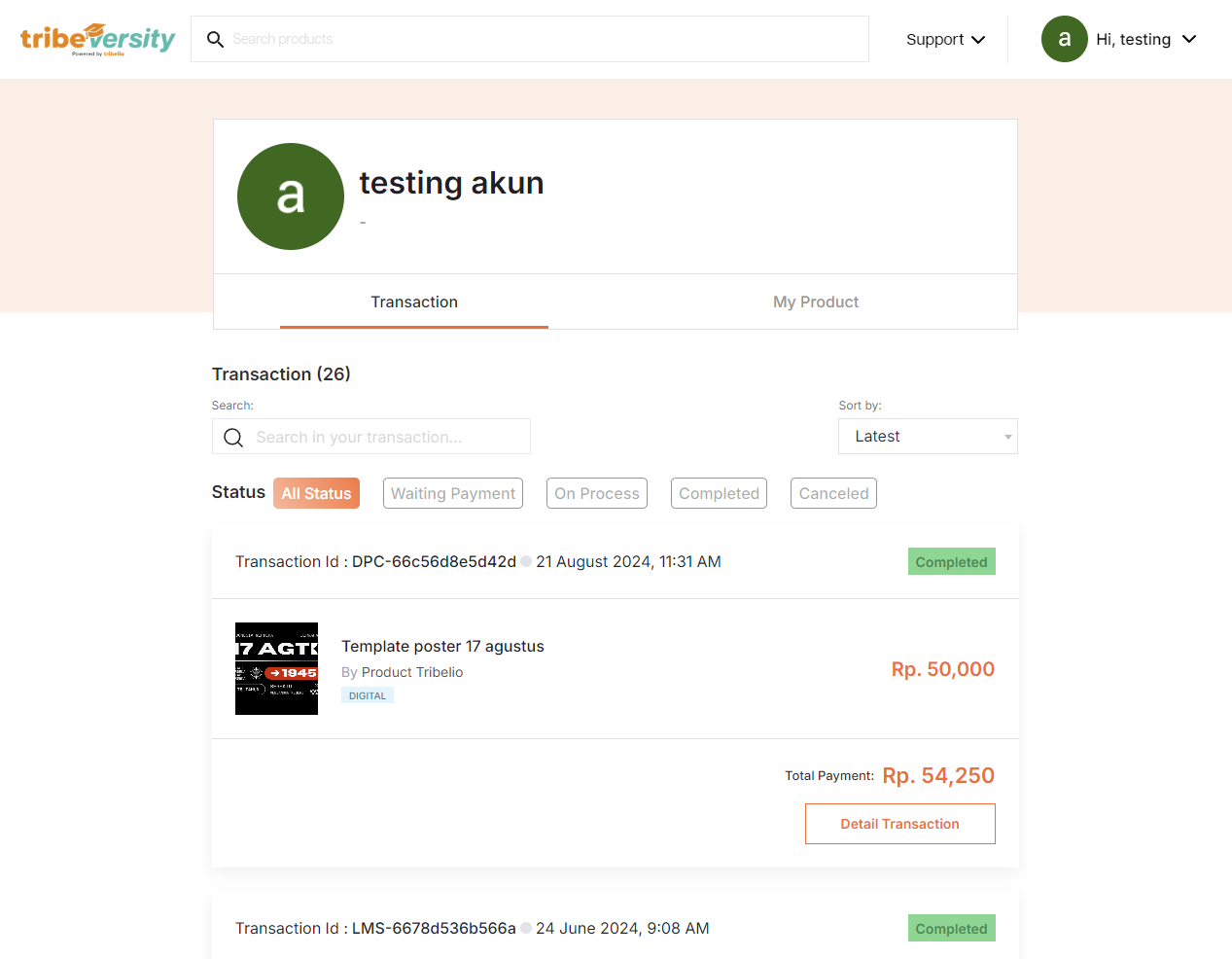
4. Setelah login, akan muncul tampilan seperti ini. Halaman berikut berisikan penjualan dan produk yang sudah pernah kamu beli tribeversity.
## Registrasi akun Tribeversity/Tribelio
1. Buka website tribeversity.com
2. Pilih tombol Create Account yang ada di pojok kanan atas
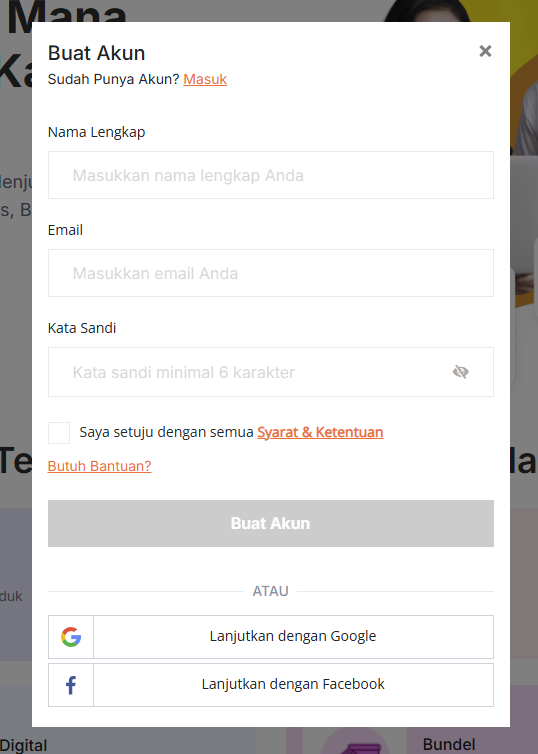
3. Akan muncul tampilan seperti ini, kamu dapat mengisi nama kamu, Email, dan juga password. jangan lupa untuk mencentang Terms & Condition untuk bisa melakukan pendaftaran akun. Kamu juga dapat mendaftar menggunakan Social media seperti google, atau facebook
4. Setelah mengisi dan klik tombol create account, kamu sudah resmi terdaftar menjadi bagian dari tribeversity. kamu dapat mencari course, atau produk lainnya yang tersedia di platform tribeversity